 MileTracker
Your client creates a link
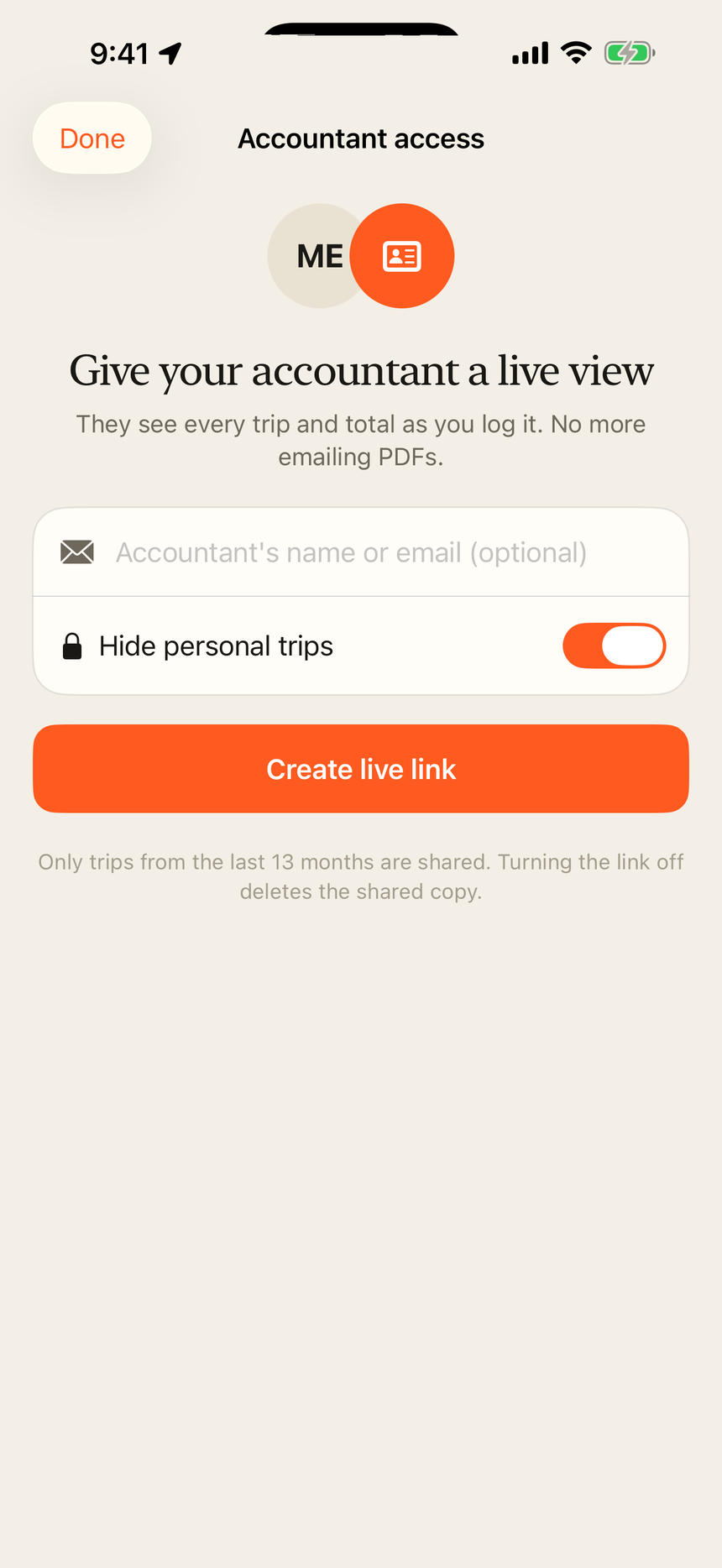
In MileTracker: Settings → Accountant access. They can add your name or email as a label so they know who has it.
For accountants & bookkeepers
MileTracker users can share a private read-only link to their log. Open it in any browser to see every trip, the totals and the deduction. No account, no app, no attachments.
How the live link works
In MileTracker: Settings → Accountant access. They can add your name or email as a label so they know who has it.
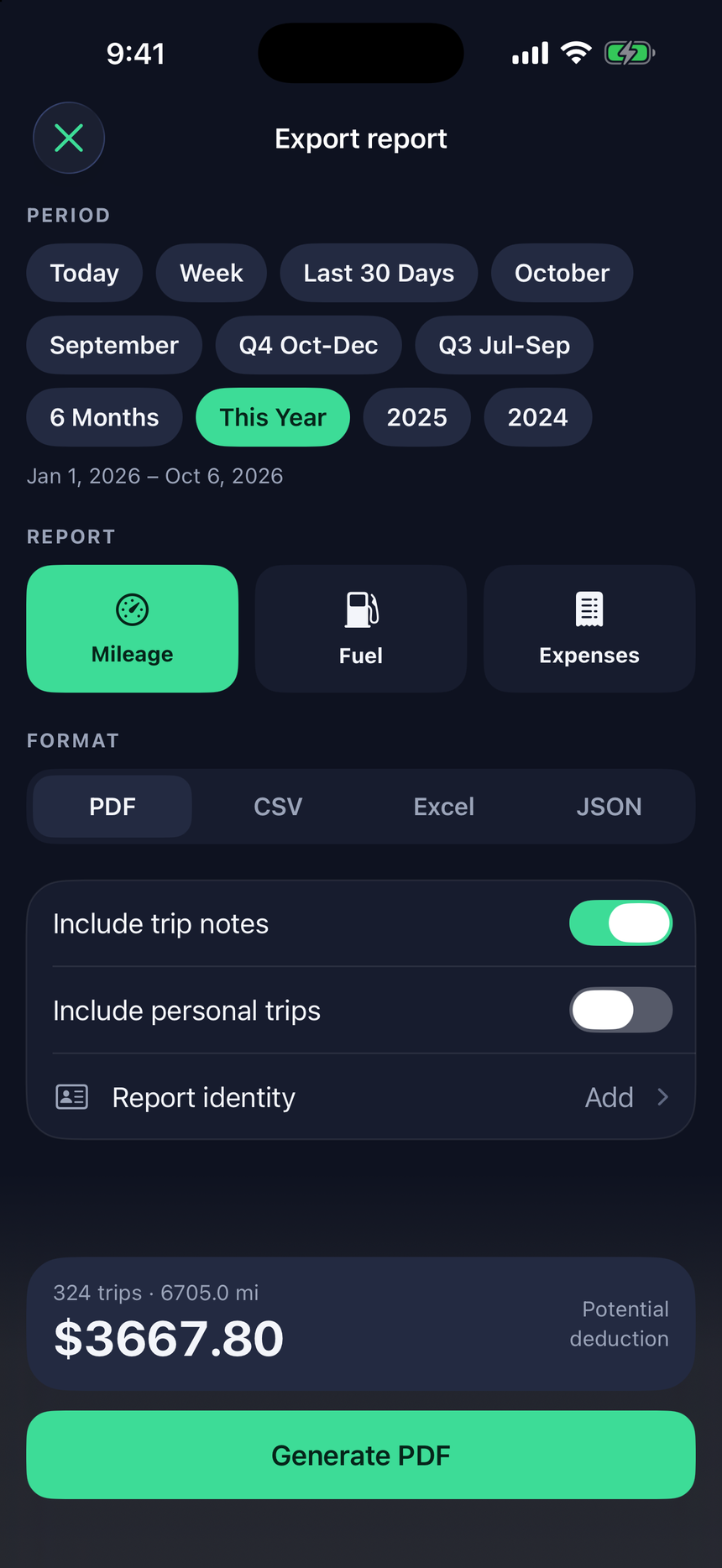
You see the trips from the last 13 months: date, start time, from and to, miles, category, purpose, deduction, tolls, parking and vehicle. Filter by month or category, print it, or download a CSV.
New trips your client logs show up on the same link. No more chasing year-end PDFs.
Privacy, by default
Details are in our Privacy Policy.
What each trip includes
| Date & start time | When the drive happened |
|---|---|
| From → To | Place names for the start and end |
| Miles | Distance driven |
| Category & purpose | Business, medical, charity or personal, plus the client's notes |
| Deduction | Miles × the 2026 IRS standard rate |
| Tolls & parking | Logged per trip |
| Vehicle | For clients with more than one car |
Rideshare and delivery drivers, field sales, real estate, home health, trades.
Questions? essentialdevteam@gmail.com