 MileTracker
Just drive
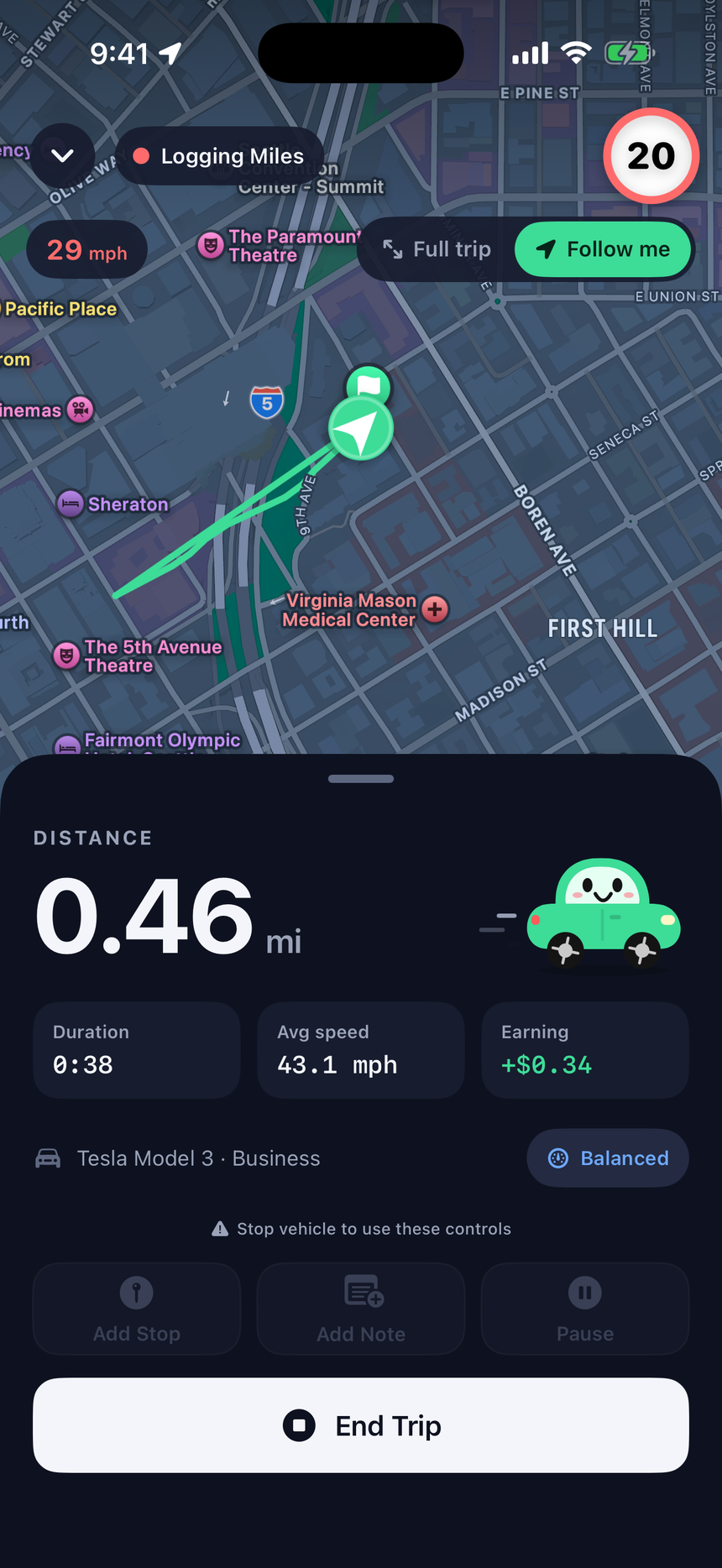
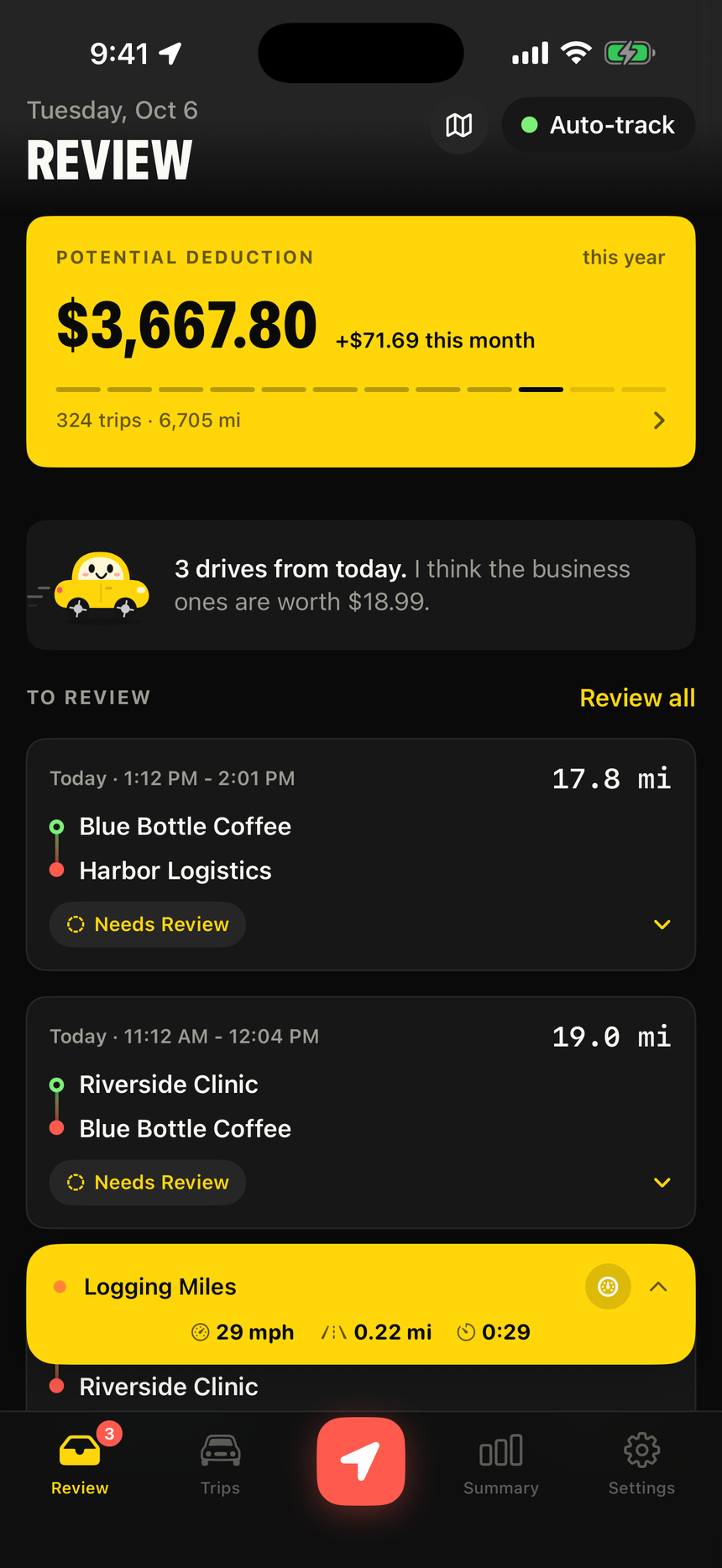
Milo notices when you start driving and records the route in the background.
Mileage log for iPhone
MileTracker detects your drives automatically, lets you sort them with one tap, and hands your accountant an IRS-ready log at tax time.
Free to download · Premium includes a 7-day free trial · iPhone and Apple Watch
How it works
Milo notices when you start driving and records the route in the background.
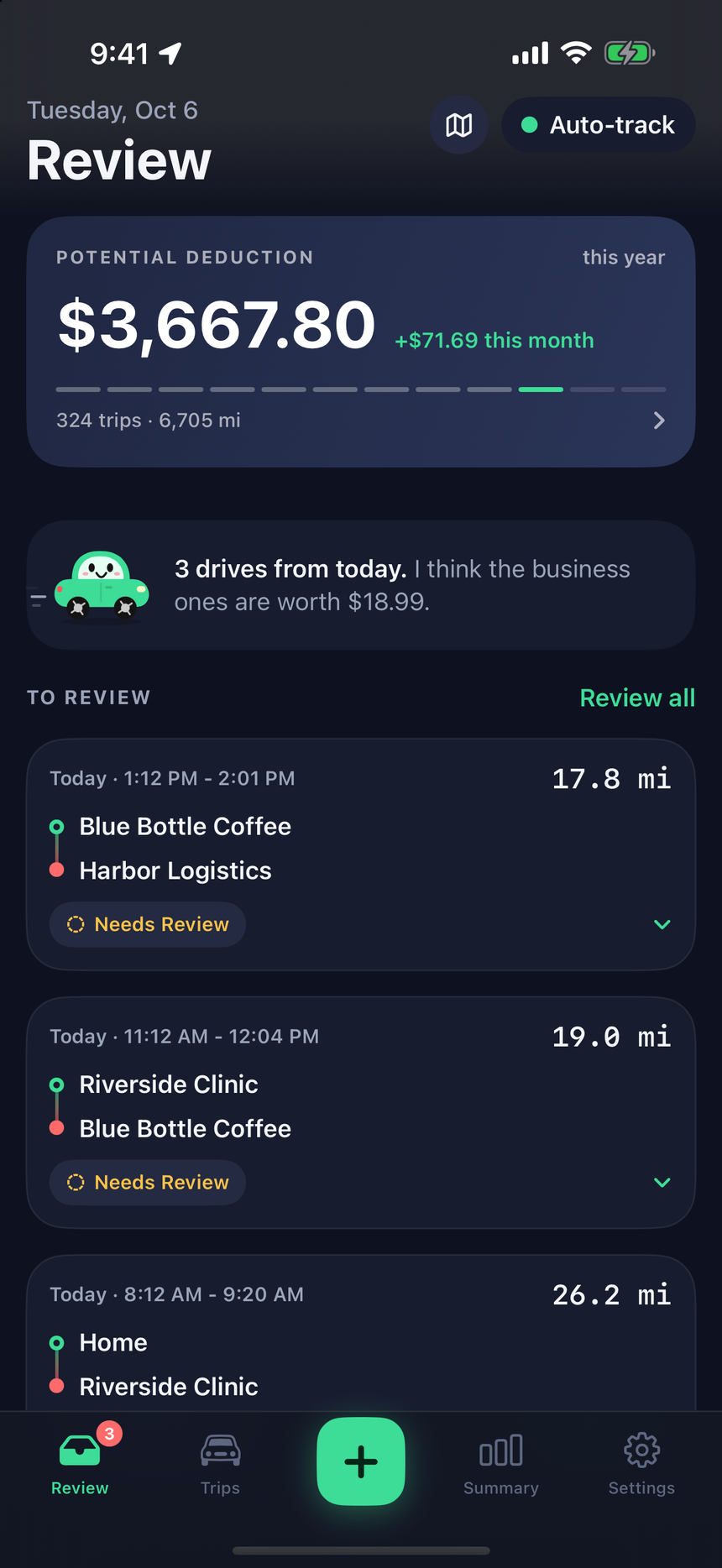
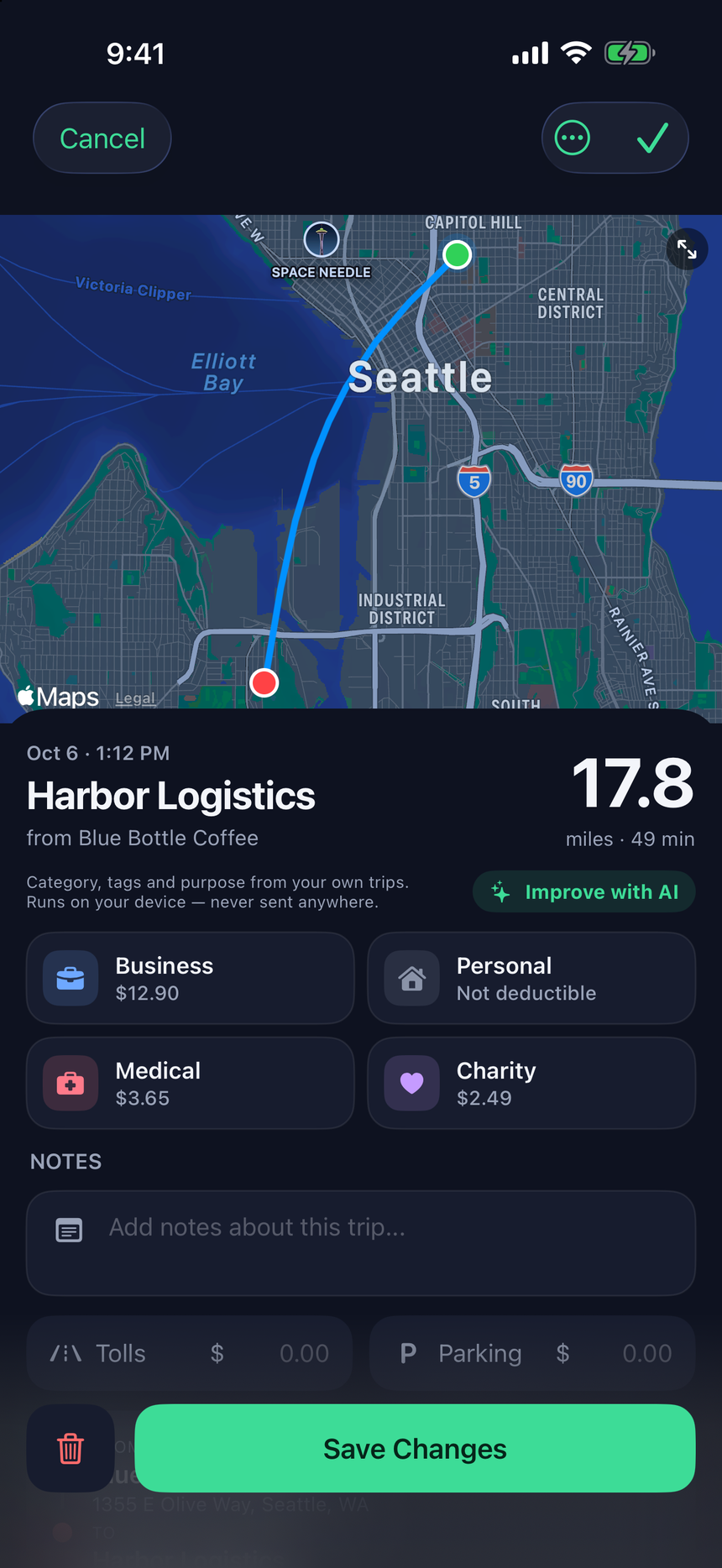
Business, medical, charity or personal. Suggestions learn the places you visit.
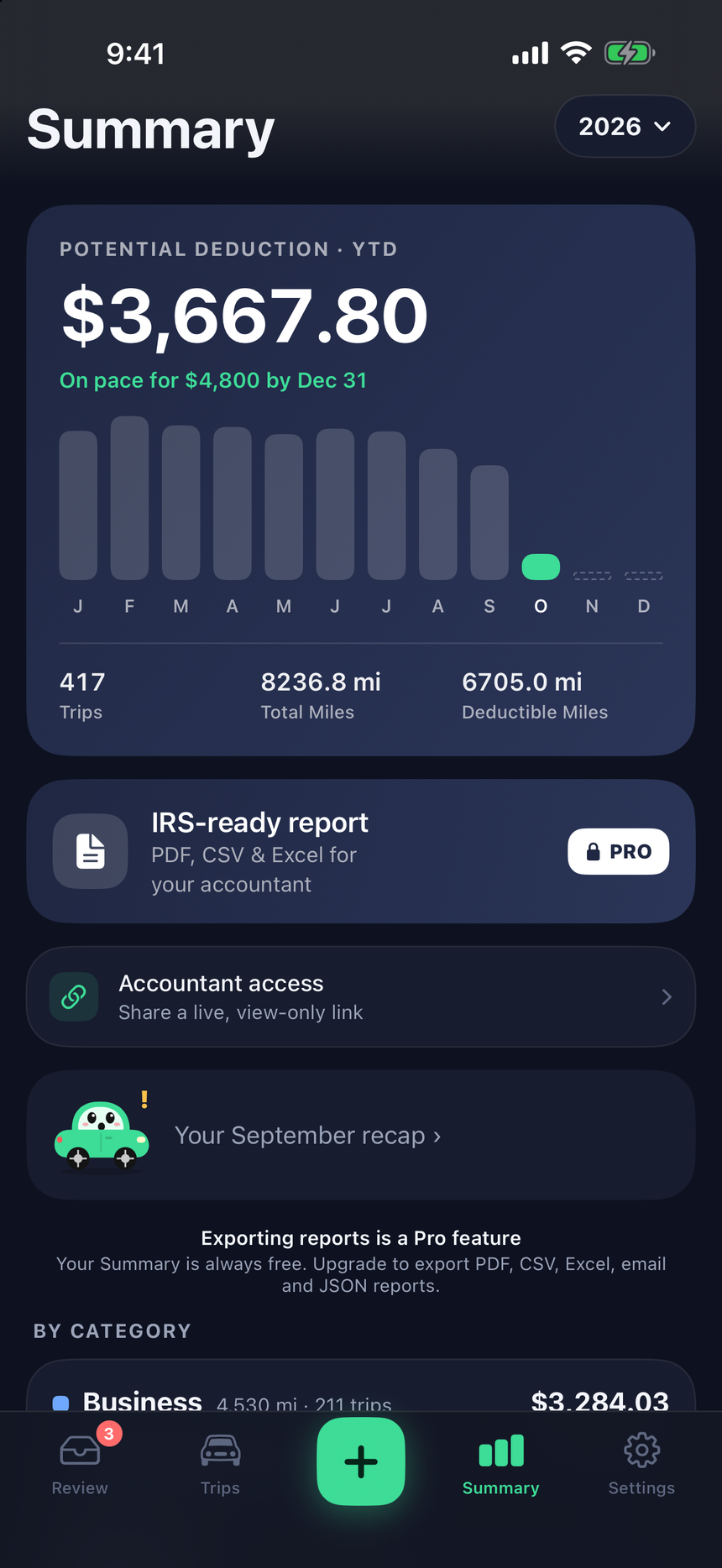
A clean, IRS-ready report with every trip, total and deduction.
Savings calculator
Potential yearly deduction
Features
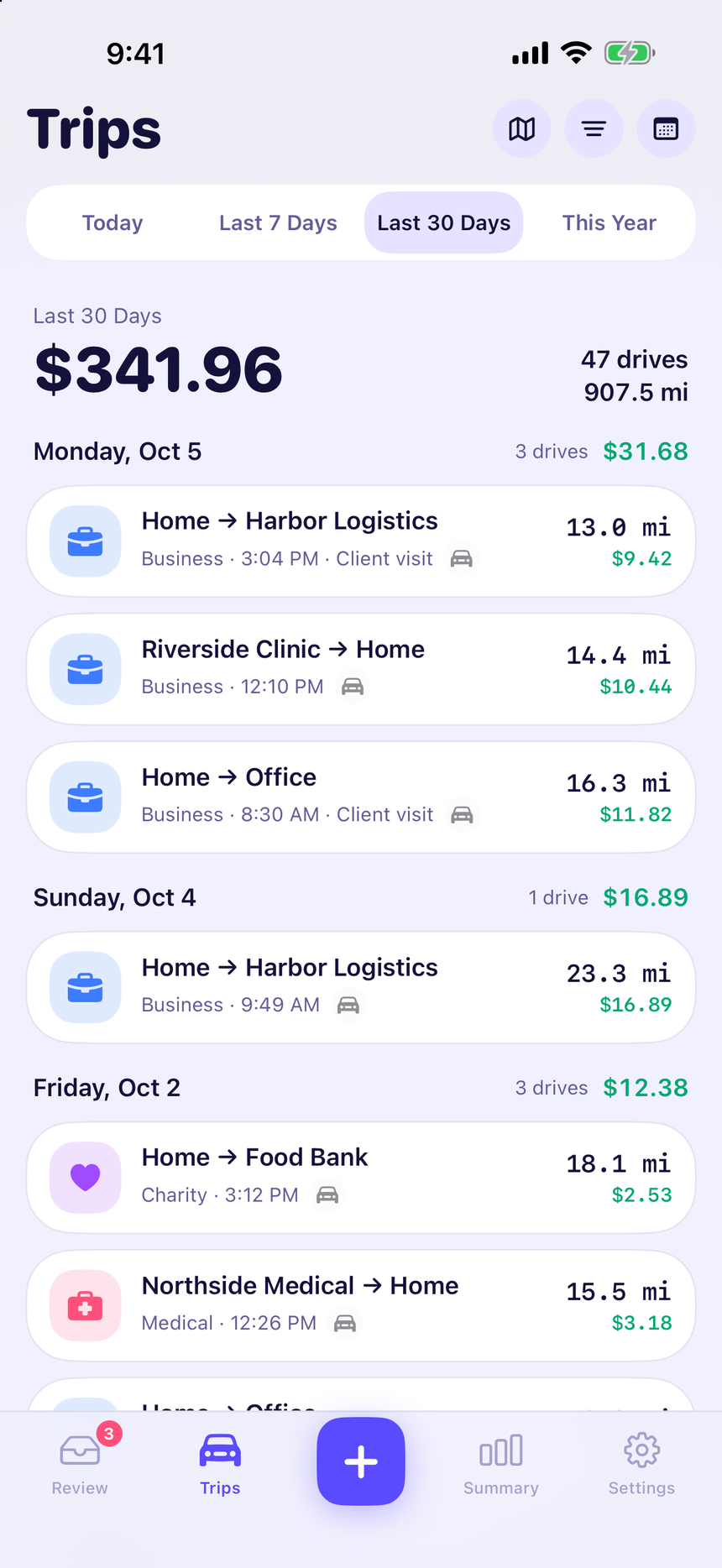
Trips start and stop on their own using motion and GPS. No buttons to remember.
Business, medical, charity or personal. On-device suggestions learn your regular stops.
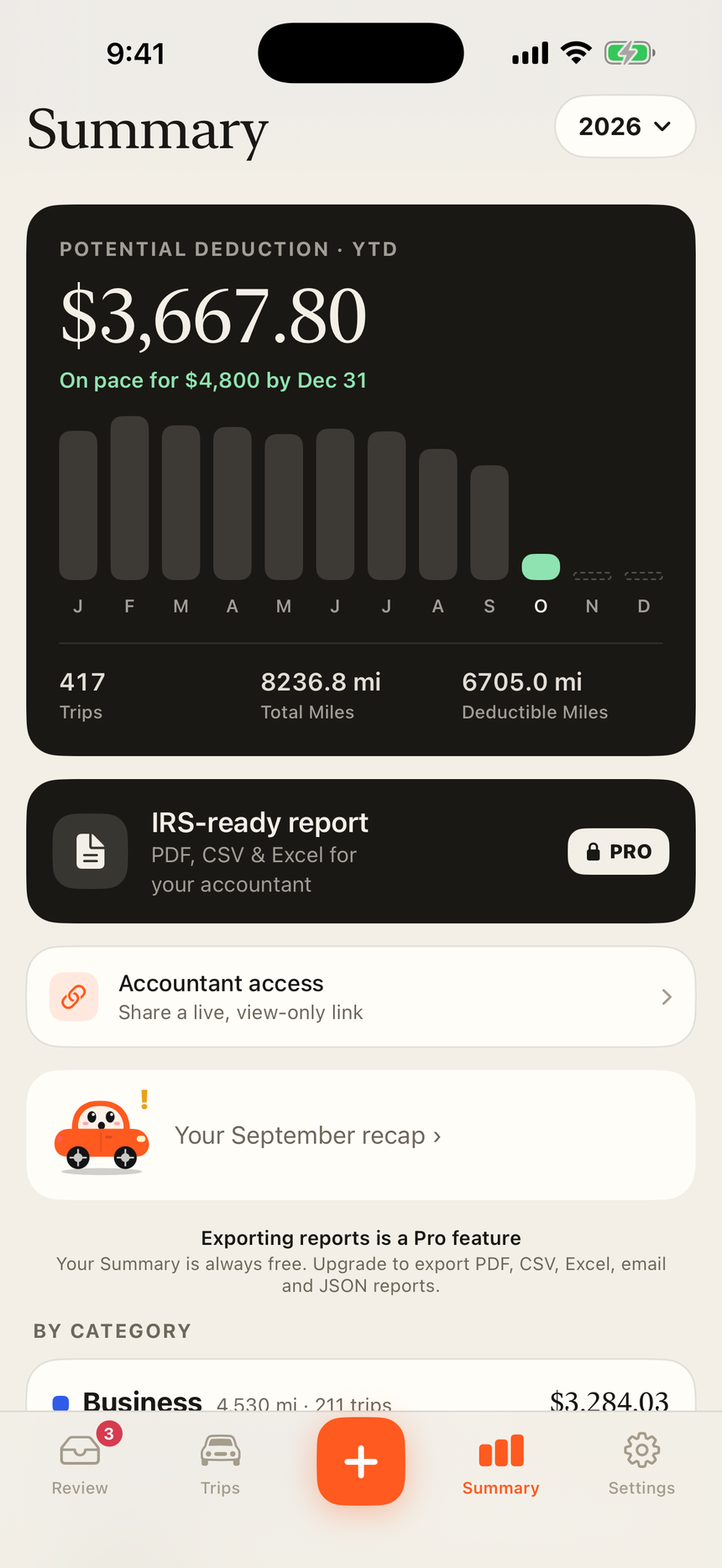
PDF, CSV and Excel with date, places, miles, purpose and deduction for every trip.
Separate odometers and logs for each car you drive for work.
Log fill-ups, repairs, tolls and parking to see what driving really costs.
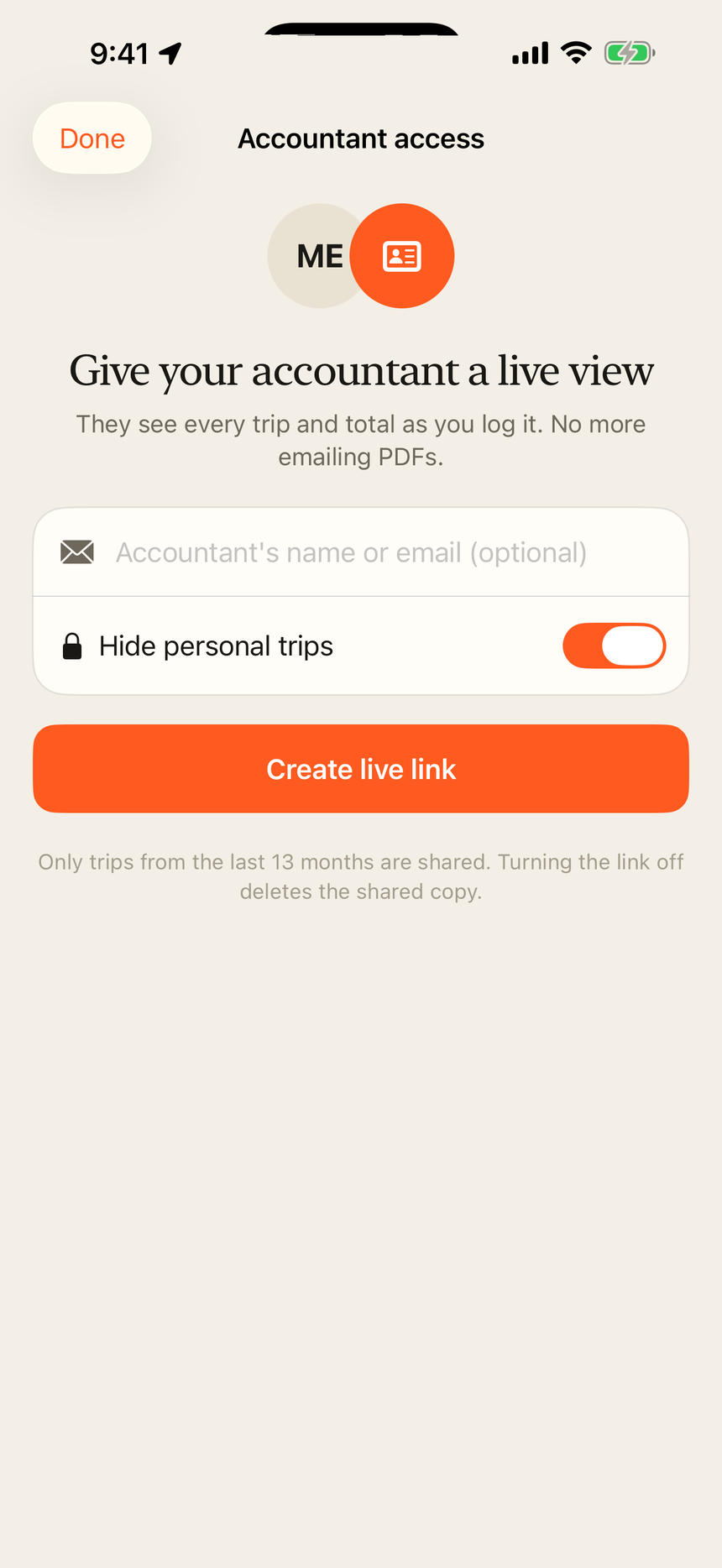
Share a private, read-only link to your log instead of emailing PDFs.
Today's miles and deduction on your Home Screen and Lock Screen.
Glance at the trip you're on from your wrist.
Make it yours
Pick the look you like, from Midnight to Paper. Switch any time in Settings.
For your accountant
Create a private live link in the app. Your accountant opens it in any browser and sees your trips and totals as you log them.
Pricing
For occasional work drives
7-day free trial, then $49.99 a year
Weekly, monthly and yearly plans are available in the app. US prices shown; see the App Store for current prices in your region. Subscriptions renew automatically until cancelled in your Apple ID settings.
Questions
MileTracker uses motion sensors to wake GPS only when you start driving. You can choose Economy, Balanced or Rocket tracking in Settings to trade precision for battery.
Each trip records the date, start and end place, distance and the purpose you choose, close to the time of the drive. That is what the IRS asks a mileage log to show. Export a PDF, CSV or Excel file whenever you need it.
Mark them Personal with one tap. They are left out of deduction totals and can be left out of reports and the accountant link.
Yes, if you want. Create an accountant link in the app and your accountant can view and download your trips in a browser, with no account. You can turn the link off at any time. How the live link works.
Premium starts with a 7-day free trial through the App Store. Cancel in your iPhone's subscription settings before the trial ends and you won't be charged.
Set it up in two minutes. Milo handles the rest.